Features that make education visually stronger
Our learning resources are built on one core principle: seeing is understanding. That's why the foundation consists of an online learning environment with interactive 3D models and compact assignments that bring theory and practice together.
The online learning environment
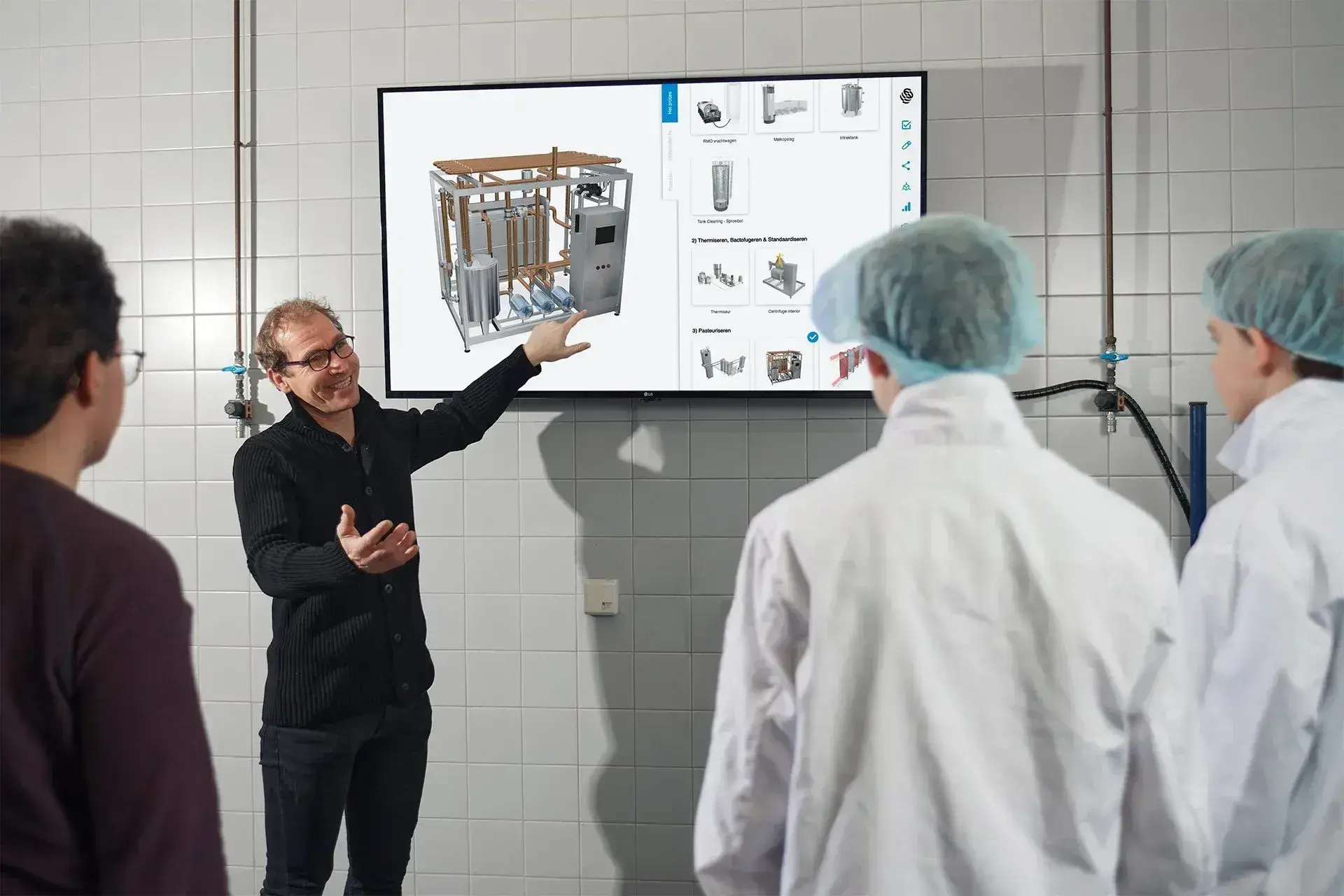
The online learning environment provides anytime, anywhere access to a growing collection of interactive 3D models.
Teachers use these models to visualize abstract themes, from anatomy and technology to preparations, processes, and work environments.
Students can explore independently or with guidance, zoom in on details, and learn to understand how something works from different perspectives.
Use the search function to quickly find themes, topics, and models that match your course material.
Integrations and secure use
Seamless integration with ELOs and LMS systems
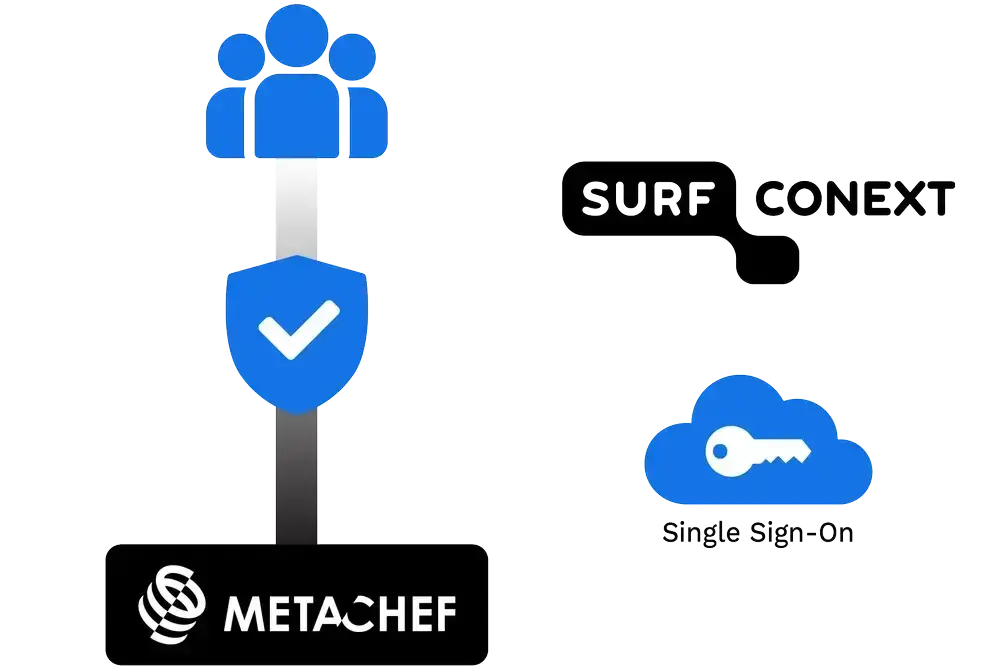
- MetaChef's learning tools connect directly to existing learning environments such as Moodle, Blackboard, Itslearning and Microsoft Teams.
- Links with systems within education, such as Kennisnet, SURF and Conext, are also supported.
Don't have an ELO? Then MetaChef can also be used completely independently.
Secure management
- All content is protected by a secure infrastructure.
- Access is only allowed to authorized users, allowing educational institutions to maintain control over what is shared and used.
Features that get even more out of your e-learning platform

Animations
Motion shows how something works. Animations help you clearly explain processes and changes where text or static images fall short.
Highlights
Important parts light up when you hover over them. This helps you explain structure, function, or sequence step by step.

Click points
In the 3D model, you see small dots that you can click. They open short explanations, images, or videos that help students at that moment.
Augmented Reality (AR)
"You make a model appear in the classroom via your phone or tablet. Students see it at life size and can look around it as if it's really standing in front of them.

Edit feature
With the Edit function, you easily modify texts and add your own visuals.

Share via link
With a single link, you share a model with students. No downloads needed and accessible on any device.