Discover our learning resources
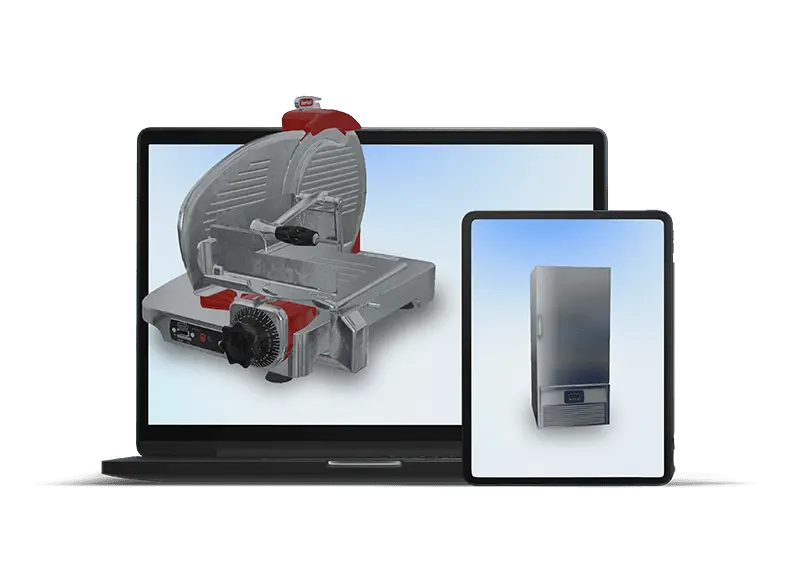
Our learning resources are built on one principle: seeing is understanding. That's why they're based on an online learning environment with interactive 3D models and compact assignments that bring theory and practice together.
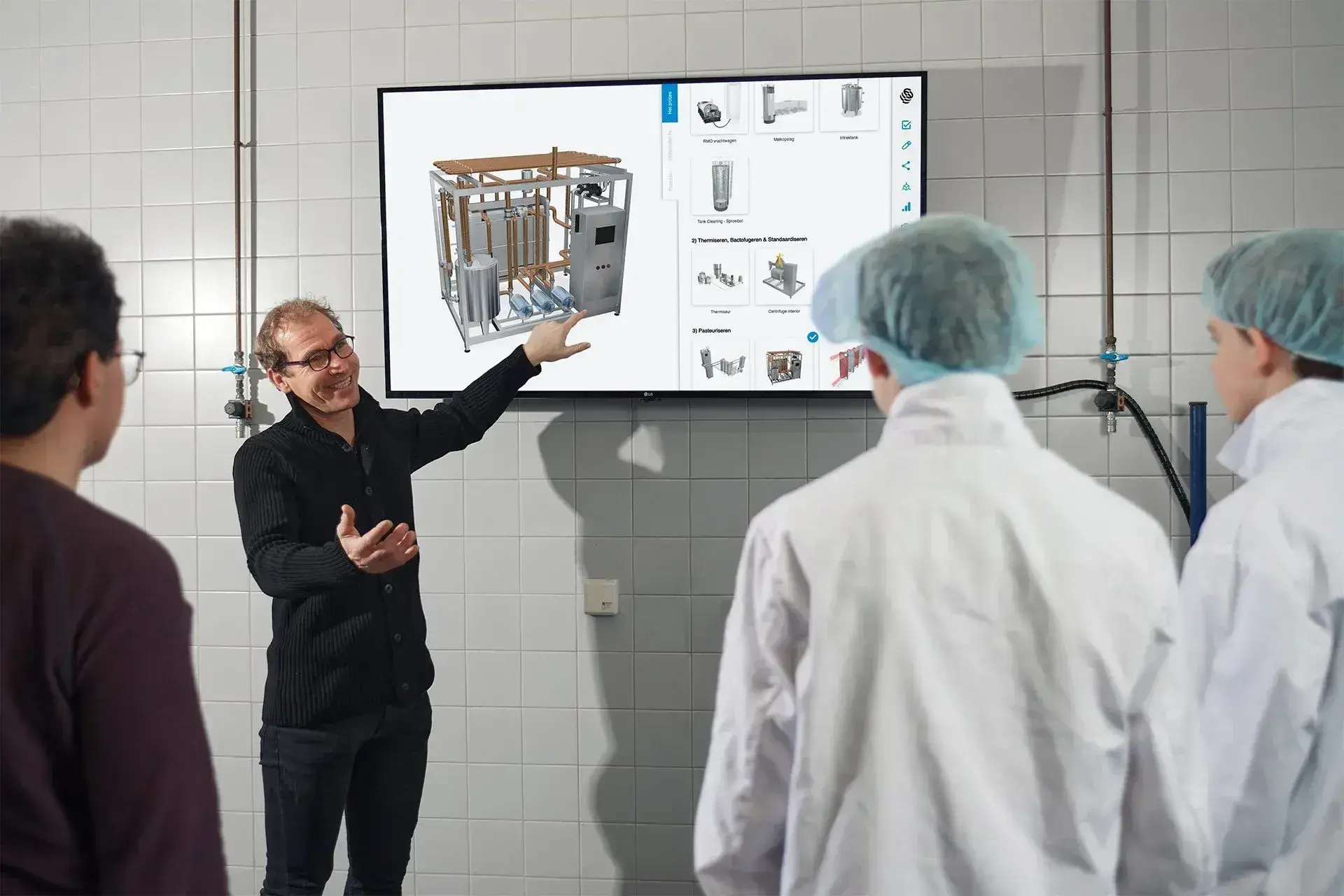
Visual explanations for hands-on learning
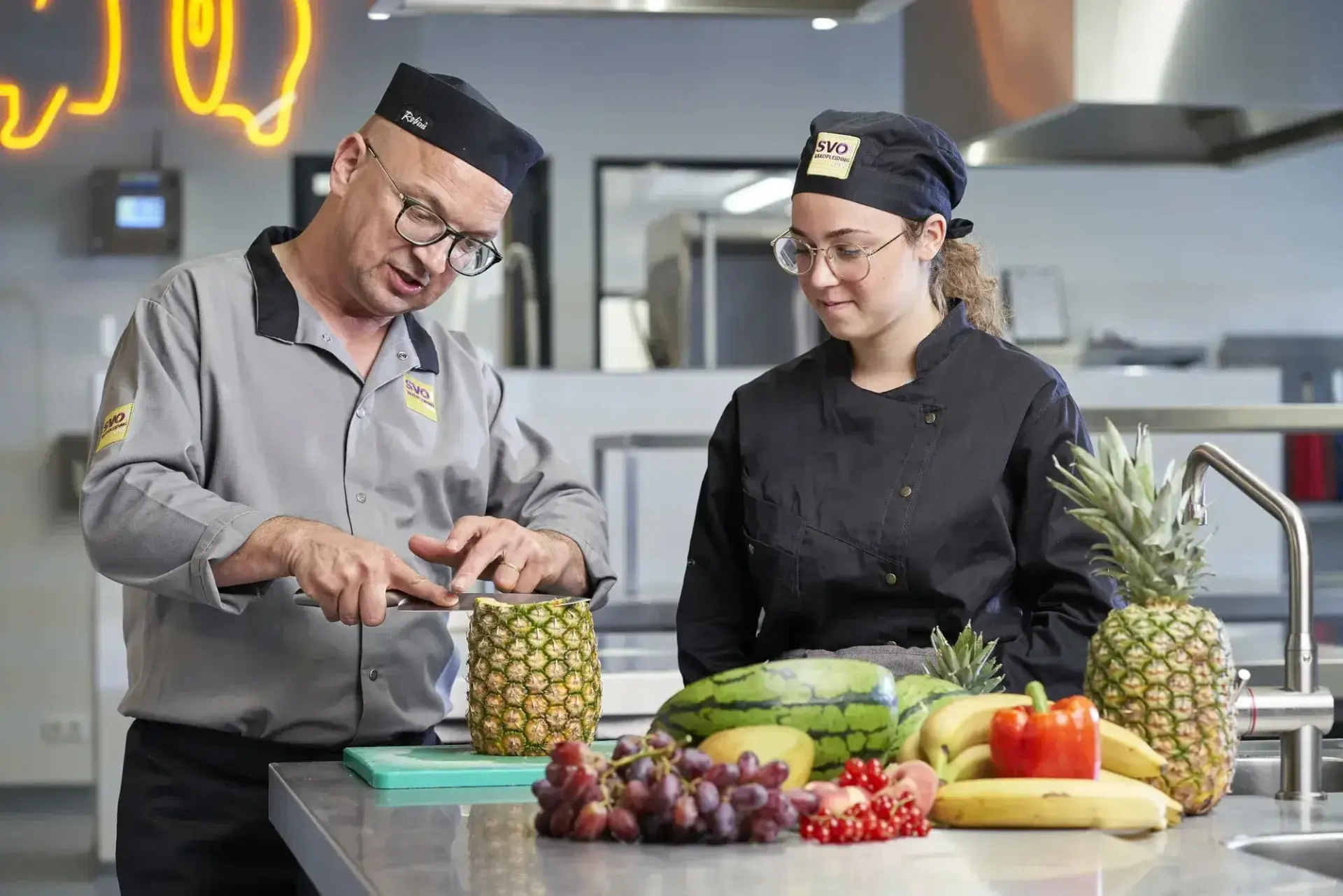
You use the 3D models to clearly explain topics, either in class or independently. They provide a visual way to teach theory alongside the materials you already use.
Students can explore, zoom in, and view from different perspectives how something works. This helps them understand more quickly what they see and what is important.
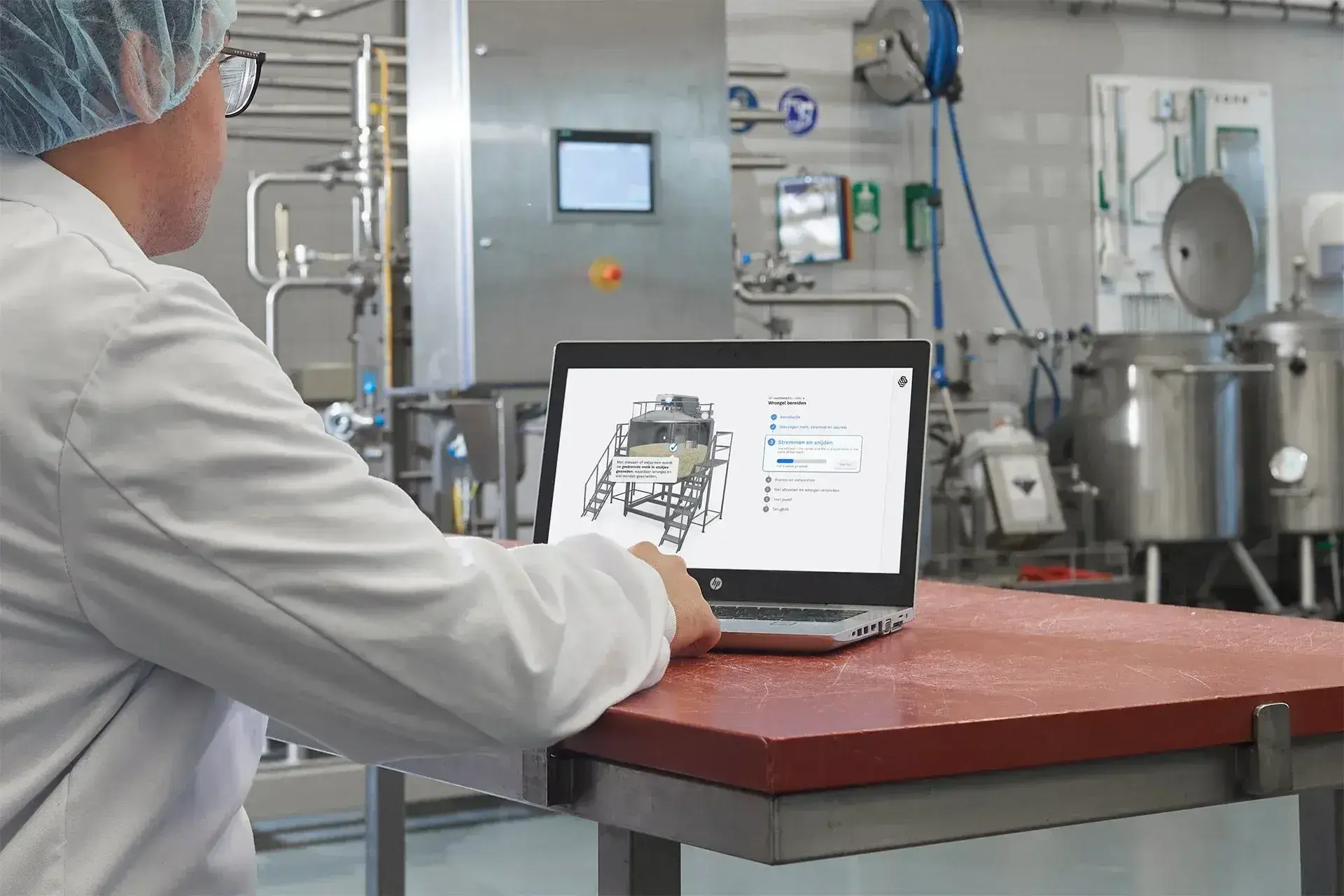
Interactive assignments for practice
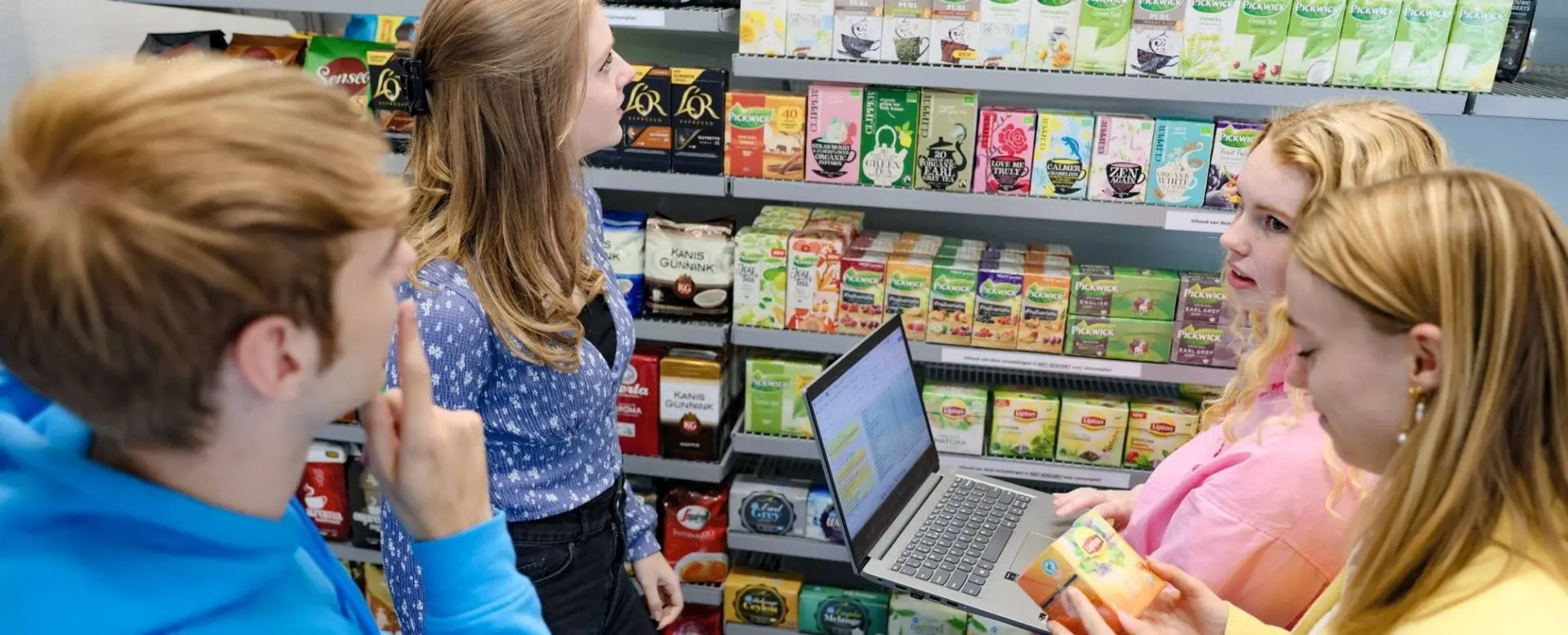
Assignments are short activities in which students actively practice a single topic. You can use them for preparation, deepening, or review.
Images, animations, and interactivity help students learn in small steps, either in class or independently. The compact format keeps attention focused and allows learning to happen in short, effective moments.
Features that help with explanations and assignments

Animations
Movement shows how something works. Animations help you clearly explain processes and changes where text or still images fall short.

Highlighting feature
Important parts highlight when you hover over them. This helps you explain structure, function, or sequence step by step.

Touchpoints
In the 3D model, you see small dots that can be clicked. They open brief explanations, images, or videos that assist students at that moment.
Augmented Reality (AR)
You project a model into the classroom using your phone or tablet. Students see it at actual size and can walk around it as if it were really there.

Virtual Reality (VR)
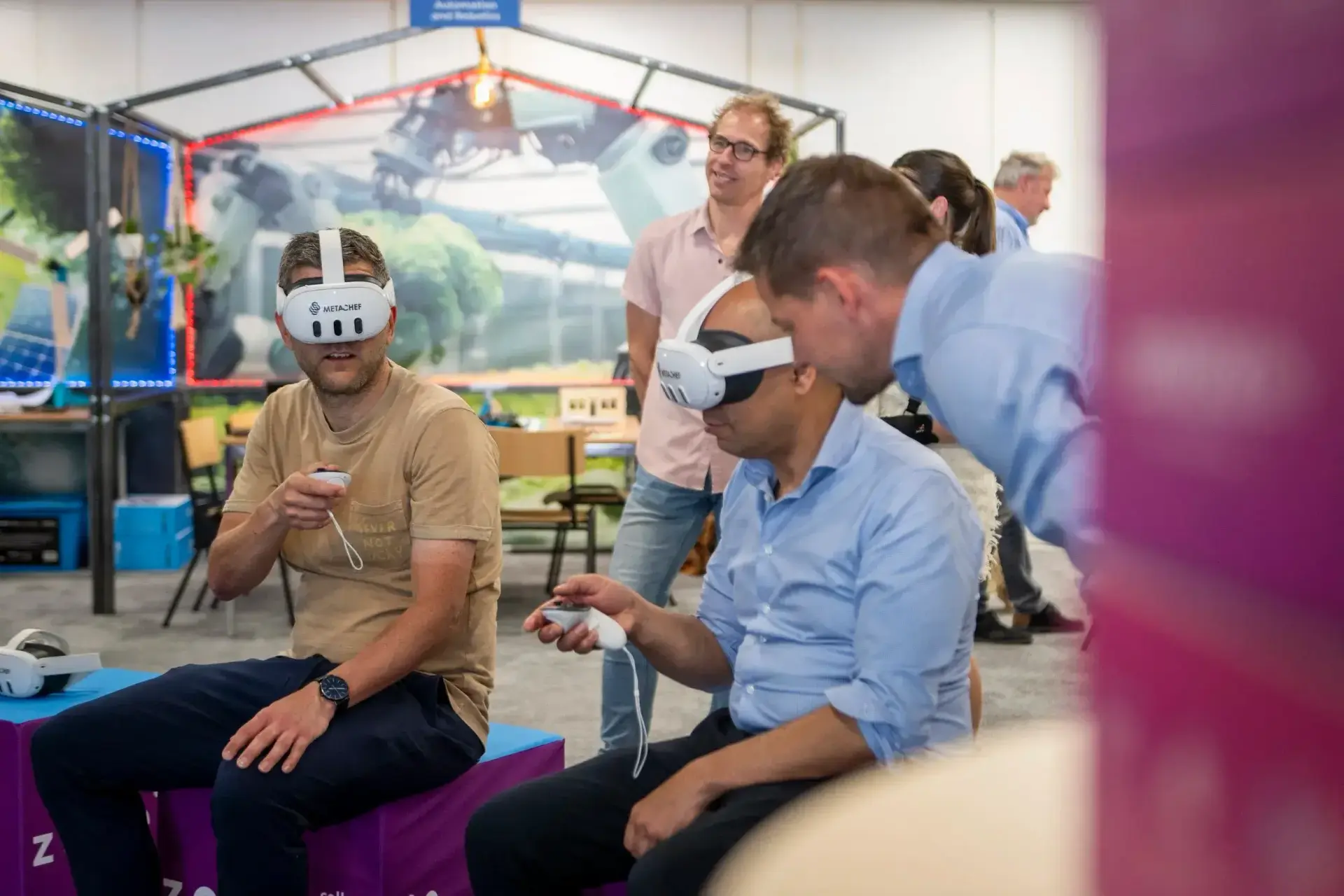
With a VR headset, students experience situations that are difficult or unsafe to access in real life. This allows them to explore topics that normally cannot be shown.

Share via link
With a single link, you can share a model with students. No downloads are required, and it can be opened on any device.
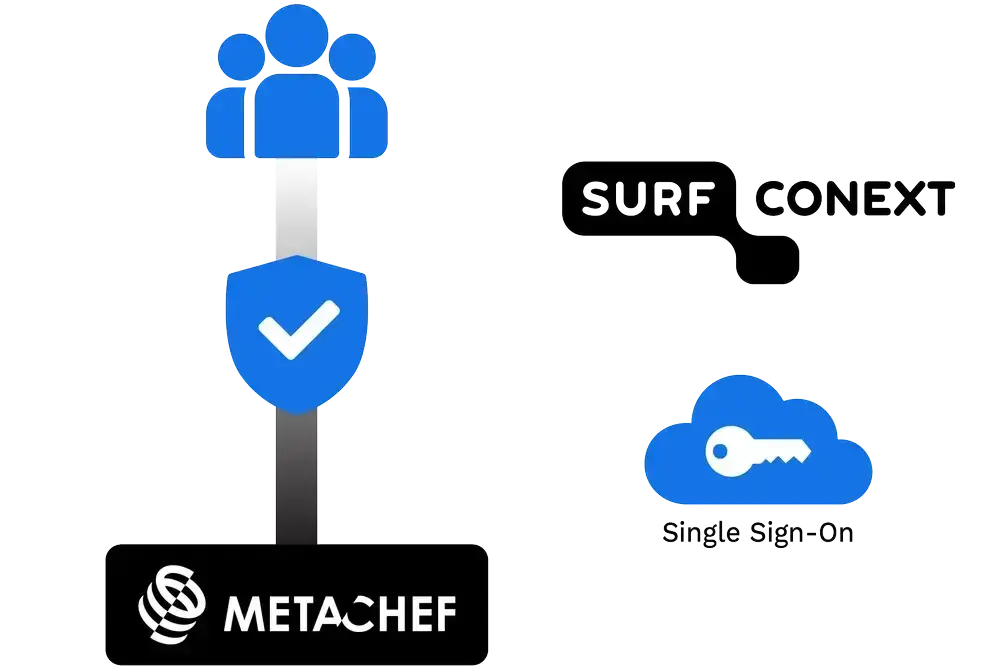
Integrations and secure usage
Seamless integration with LMS and VLE systems
- MetaChef’s learning tools integrate directly with existing learning environments such as Moodle, Blackboard, Itslearning, and Microsoft Teams.
- Connections with other educational systems, such as Kennisnet, SURF, and Conext, are also supported.
- No LMS? MetaChef can also be used completely independently.
Secure management
- All content is protected by a secure infrastructure.
- Access is only possible for authorized users, allowing educational institutions to maintain control over what is shared and used.